
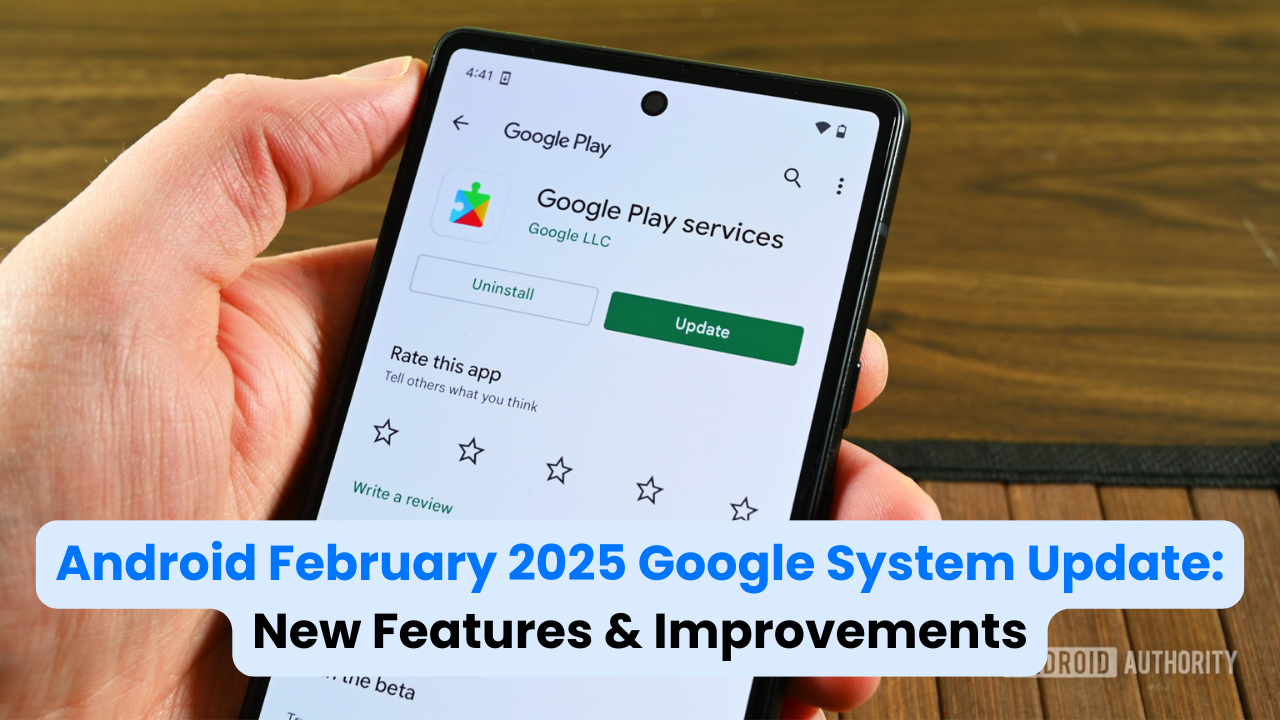
Android users, it’s that time again. Google has rolled out its latest system updates, packed with new features, bug fixes, and performance improvements across Android devices. These updates enhance the Play Store, Play Services, and system functionalities on phones, Wear OS, Google TV, Android Auto, and even PCs.
Not all features will be available immediately—some may take a little while to roll out. Let’s explore what’s new and how these updates improve your Android experience.
For official details, check Google’s release notes: Google’s Official Release Notes

Google Play Services v25.06 (Released on February 17, 2025)
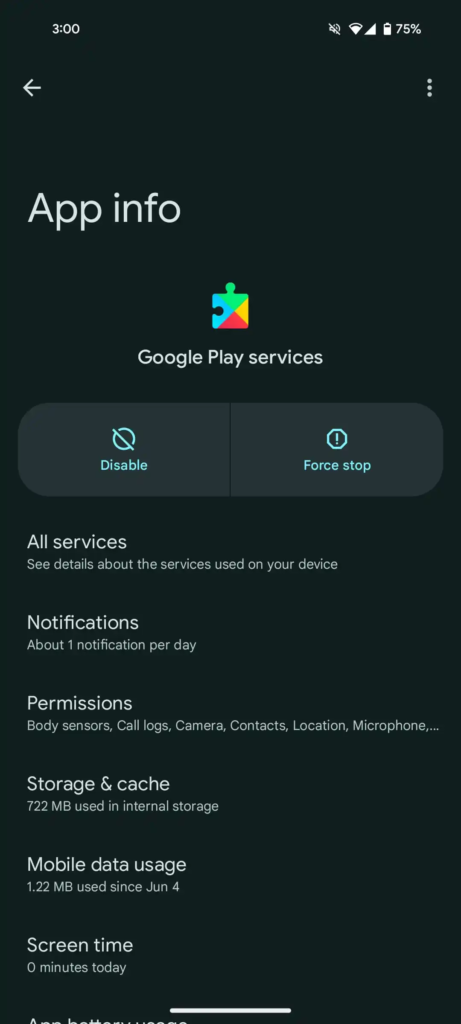
Google Play Services is the backbone of your Android device, keeping apps connected to essential services like Maps, Google Sign-In, and Wallet. Here’s what’s new:
- Better Utilities for Developers – Google has added new tools that help apps run smoother and manage background tasks more efficiently.
- Wallet Enhancements – Digital payments on both phones and Wear OS are now more seamless and secure.
- Factory Reset Made Easier – If you ever need to wipe your device, the reset process is now more intuitive and user-friendly.
Keeping Google Play Services updated is crucial for smooth app performance and security.
Google Play Store v45.0 (Released on February 17, 2025)
Google is improving how you discover apps and navigate the Play Store:
- Smarter Sponsored Search Suggestions – When you search for apps, sponsored suggestions now include descriptions to help you understand them before clicking.
- Play Collections Made Simpler – Searching for “Collections” now shows curated app lists directly in your results, making it easier to find recommended apps.
Google Play Services v25.05 (Released on February 10, 2025)
This update improves device connectivity and file sharing:
- Developer Tools for Connectivity – Google has introduced new features to help third-party developers integrate better connectivity processes into their apps.
- Bug Fixes for Android Auto & Google TV – Your phone’s connection with Android Auto and Google TV should now be more stable and reliable.
- Better Quick Share – The setup and onboarding for Quick Share have been improved, making it easier to share files quickly.
Google Play Store v44.9 (Released on February 10, 2025)
- Collections Feature Expanded – Now available for Android 10-12 users in the US. You can also add a Play Store widget for quick access to Collections.
- Watch Face Installation Made Easy – You can now install and set watch faces directly from your phone’s Play Store without touching your smartwatch.
Google Play Services v25.04 (Released on February 3, 2025)
Here are the key improvements in this update:
- Easier Family Link Access – A new shortcut in Google Settings makes managing family groups more convenient.
- AI & Machine Learning Boost – New developer tools improve AI-driven features, especially for Android Auto.
- Stronger Device Connectivity – Google has fixed bugs across Auto, Phone, TV, and Wear OS to improve connection stability.
- Better Quick Share Experience – If a Wi-Fi connection drops, file transfers will continue over mobile data.
- Battery Life Optimization – System updates now help extend battery life on phones, Auto, TV, PCs, and Wear OS.
- Enhanced Developer Utilities – New tools give developers more control over how apps use system resources.
Google Play Store v44.8 (Released on February 3, 2025)
- Refreshed Play Games Profile UI – Setting up a Play Games profile is now smoother, with a better-designed interface.
- Better App Quality on Tablets & ChromeOS – Google’s latest update ensures apps perform better on larger screens with Tablet pQuality version 3.
Conclusion
This month’s Android update is all about making devices more user-friendly, secure, and efficient. Whether it’s smoother connectivity, better app discovery, or improved file sharing, Google is refining the Android experience.
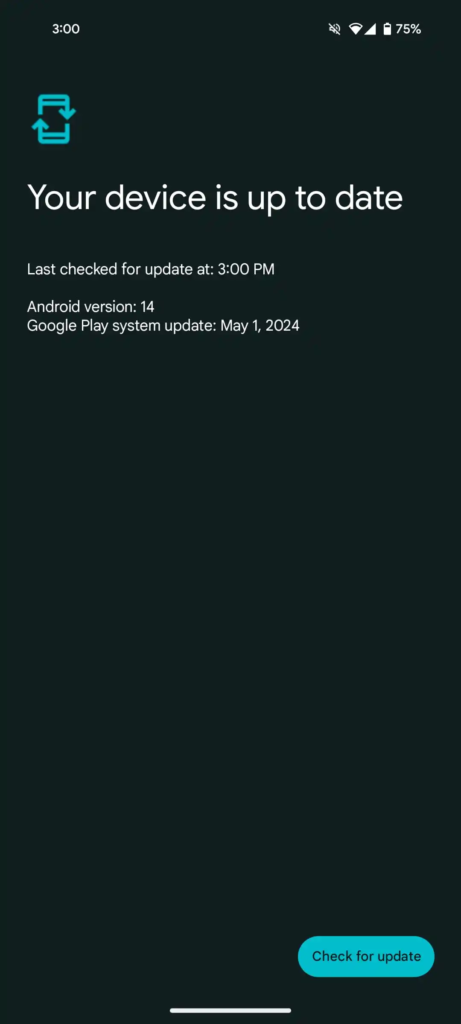
If you don’t see these updates yet, don’t worry—Google rolls them out in phases, so they may take a few weeks to reach everyone.
For the best experience, always keep your device updated.
Pingback: Facebook Marketplace’s Big Update: What It Means for You!