
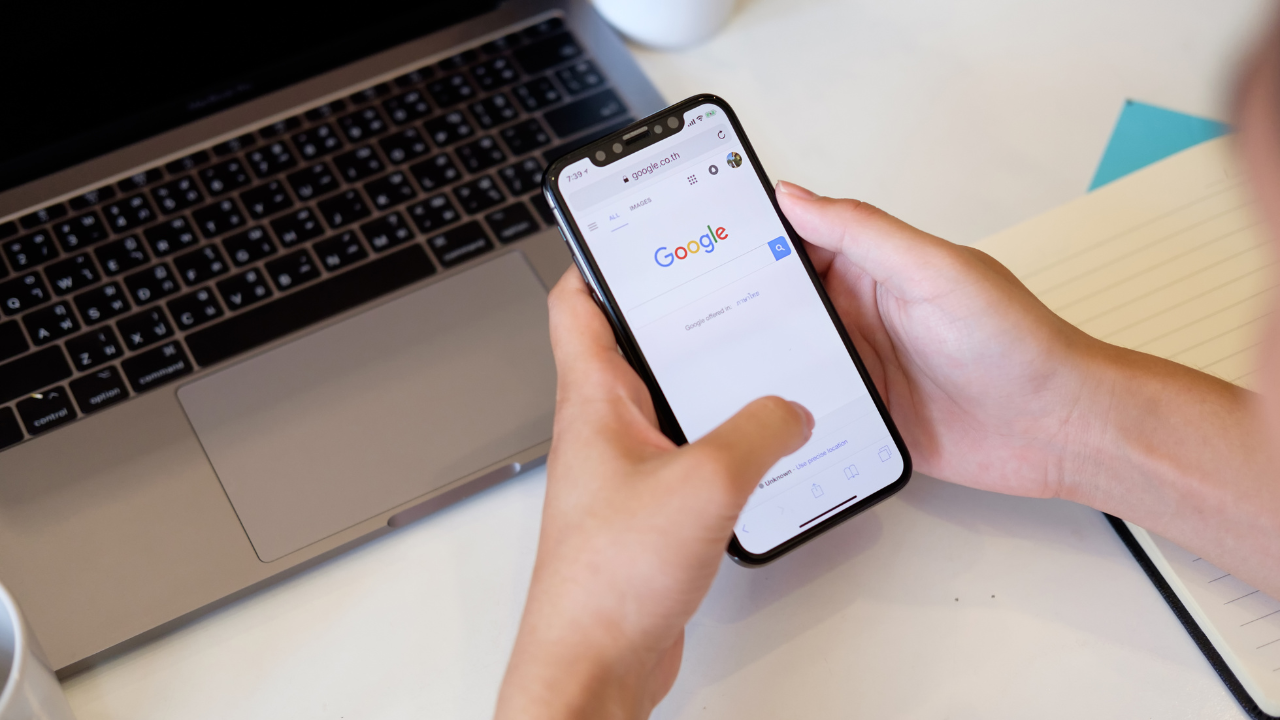
Google is revamping its app interface on Android with the introduction of a new bottom toolbar for Search results and Discover articles. This change enhances usability by streamlining controls and making key features more accessible, particularly for one-handed use.
What’s New in the Bottom Toolbar?
The redesigned interface shifts essential controls—previously crammed into the top bar—to a new bottom toolbar. This update applies to pages opened through the Google app, such as Discover articles and Search results.
Key Features of the Bottom Toolbar:
- Save: Allows users to bookmark content for later reference.
- Search: Offers quick access to start a new search directly from the toolbar.
- Share: Provides one-tap access to the system Share sheet for easy content sharing.


This bottom toolbar complements the existing top bar, which retains functions like Close Tab, Site Info, and Add to Collection.
How the New Toolbar Enhances Usability
1. Improved Accessibility
By moving frequently used controls to the bottom of the screen, the update caters to one-handed use, a feature particularly helpful for larger smartphones.
2. Cleaner Design
The new layout declutters the top bar, allowing more of the page title to be displayed. This change improves readability and provides users with a better understanding of the content they’re accessing.
3. Streamlined Navigation
The bottom toolbar ensures seamless navigation:
- Users can save articles or search for new topics without scrolling back to the top.
- The Share button offers quick access to send links to friends, colleagues, or social media platforms.
Context-Specific Limitations
The bottom toolbar is currently limited to pages opened through Search and Discover. It does not appear for content accessed via Google Lens or Circle to Search.
Scrolling Behavior and Real Estate Impact
To maintain a clean reading experience, the bottom toolbar disappears as users scroll down a page. This ensures minimal impact on available screen space while keeping the new features accessible when needed.
Availability and Testing
The new bottom toolbar is currently in beta testing with Google app version 16.1.38. It has not yet been rolled out to the stable channel, meaning only select users have access to this feature as part of Google’s phased testing approach.
Conclusion: A User-Centric Update
Google’s introduction of a bottom toolbar in its app reflects a thoughtful approach to improving user interaction and accessibility. By addressing the challenges of cramped top-bar controls, the update provides a cleaner, more intuitive interface for navigating Search and Discover content.
This enhancement is part of Google’s ongoing effort to refine its user experience, and it demonstrates the company’s commitment to balancing functionality with simplicity. Keep an eye on the stable release of the Google app to try out this new feature for yourself!
Also Read: How to Stop Facebook and Instagram from Mining Your Data
2 thoughts on “Google App Introduces New Bottom Toolbar for Search and Discover Pages”